MS Office Online Training
Microsoft Word |
Level Up From Anywhere: Online Training for Microsoft Word
Busy schedules and remote working shouldn't hinder your team's ability to master Microsoft Word! Claire’s online (video-based) training courses offer a flexible solution, allowing your team members to learn at their own pace from anywhere in the world.
The programmes are packed with clear demonstrations and practical exercises to ensure a comprehensive and engaging learning experience. Whether you're looking to upskill an entire team or just one team member or yourself, these online training courses offer a convenient and effective way to unlock the full potential of Microsoft Word.
The courses enable you to progress from the fundamentals of using Word right through to complex features so are ideal for students preparing for academic papers and dissertations, virtual assistants, secretaries and anyone who regularly braces themselves for a “fight” with Word when they know they have to produce a document.
Training Courses
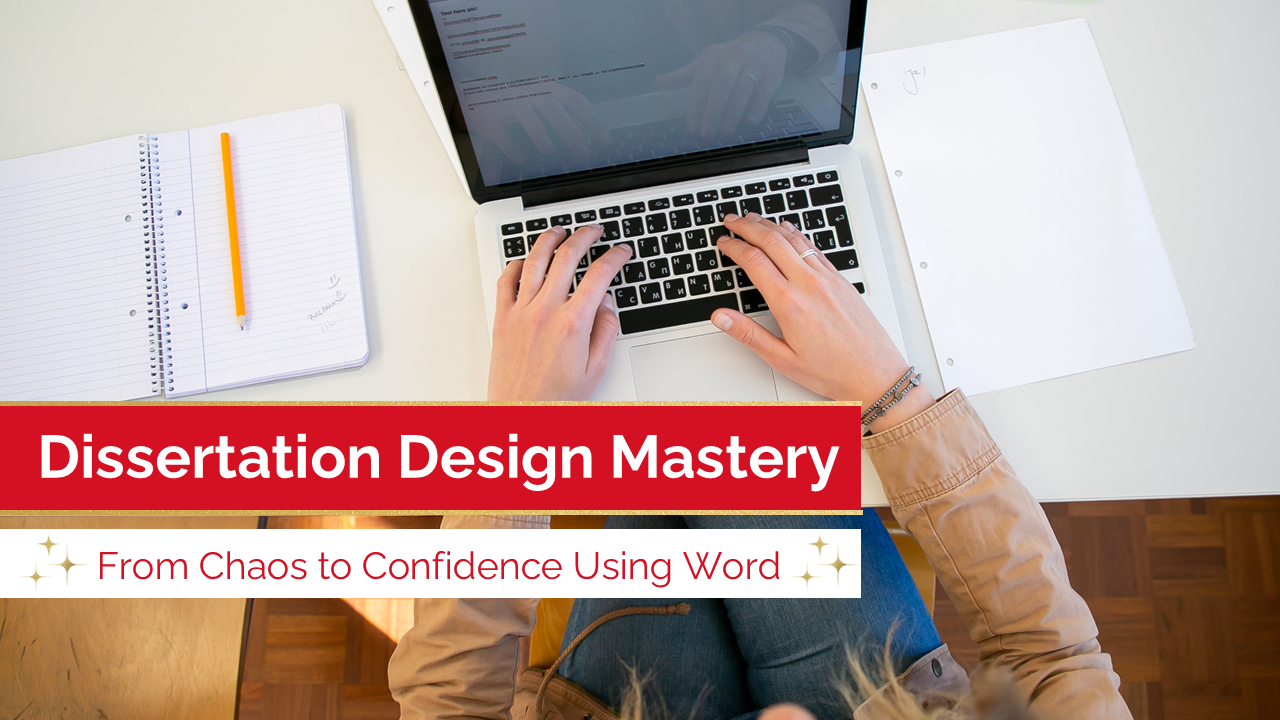
Dissertation Design Mastery
CPD-ACCREDITED
**CPD-ACCREDITED**
This is a course of 7 modules and 63 lessons (8 hours of video content) with hands-on exercises and a progressive learning structure. It is designed to take you from the fundamentals of using Word right the way through all of the functionality you might need to complete a dissertation or work with a long document in Word.
It’s ideal for 6th form students preparing for university; undergraduates wanting to get ahead before they start working on their dissertation; students working on a dissertation, preparing for their master’s degree or writing a thesis; secretaries; virtual assistants; researchers; or indeed anyone working with Word in the workplace.
The full course costs £48.75 (including VAT) and this gives you access to the materials for 365 days from signing up.
Upon successful completion, you will receive a professional, verifiable CPD certificate and digital badge that you can share on LinkedIn and your CV.
Free Resources
free cv template
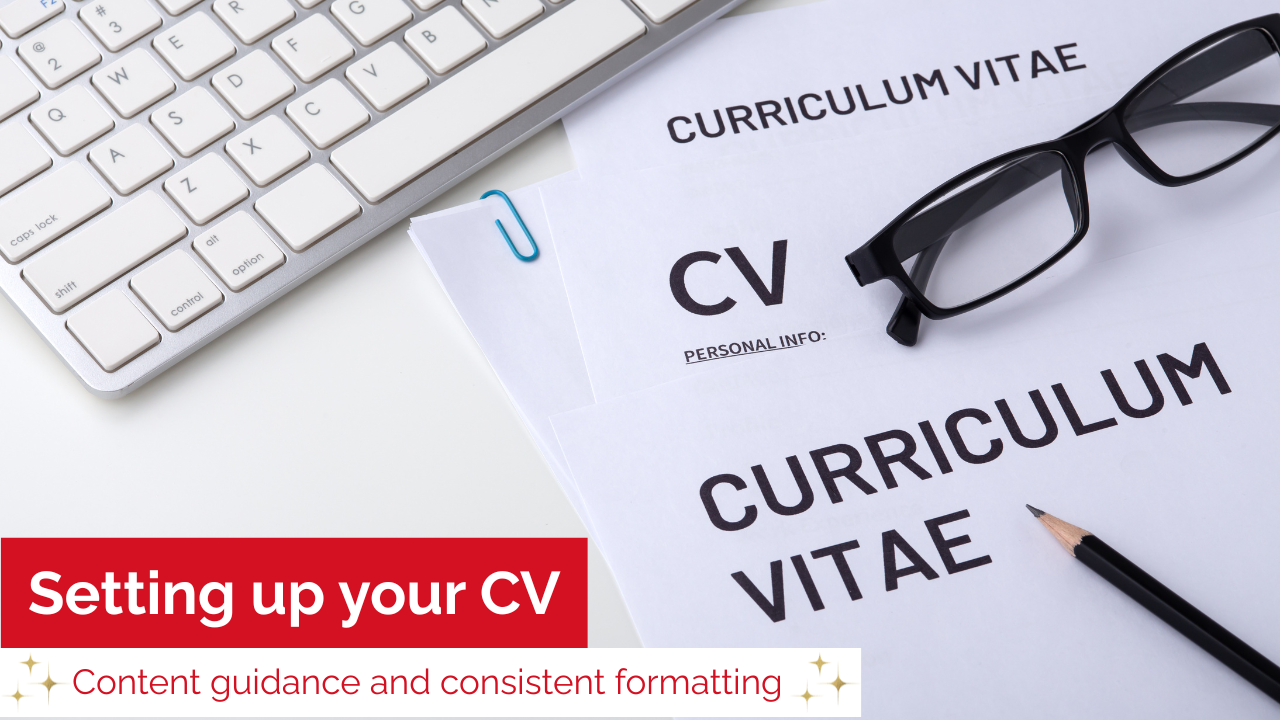
Your CV is a living, breathing document! It is a way of tracking your history: all of your experience and qualifications, so that you have the information at your fingertips for any online application. If you are sending your CV to apply for a role, it is important that it looks professional and is laid out in a pleasing way to increase your chances of the content being read.
Along with the template, you will receive step-by-step guidance, a 10-minute Word video tutorial to remove any tech stress, cover letter/email examples and an outline of the Top 10 application mistakes to be avoided.
Walk away with a CV you’re confident to send.
Microsoft Word Quick Wins
This is a quick course of 10 videos to help you make fast progress in Word by teaching you everyday tips and tricks and improve your understanding of Word.
The total duration of the videos is around 45 minutes – an investment you will see repaid very quickly! You will also have access to a Quick Guide as a thank you for signing up.
This programme is free of charge and you will have access to the materials for 90 days.
Contact our team today for more information about the courses we offer.
FAQs
What video conferencing platform do you use for the interactive video courses?
We primarily use Zoom to deliver our interactive video courses. However, we are flexible and can accommodate your team's preferred platform, be it Microsoft Teams, Google Meet, or another option. Just let us know your preference during the consultation process.
Can I interact with the instructor and other participants during the live sessions?
Absolutely! Our interactive video courses are designed to foster a collaborative learning environment. You'll be able to ask questions in real-time using the platform's chat function or by unmuting your microphone.
Additionally, many platforms allow for screen sharing and collaborative tools, allowing participants to work together on exercises and learn from each other's experiences.
What happens if I miss a live session or want to revisit a specific topic?
Don't worry about missing out! We understand that schedules can be unpredictable. We record all of our interactive video sessions and make the recordings available to registered participants after each session.
This allows you to revisit key concepts at your own pace and ensure you retain the valuable information covered.